

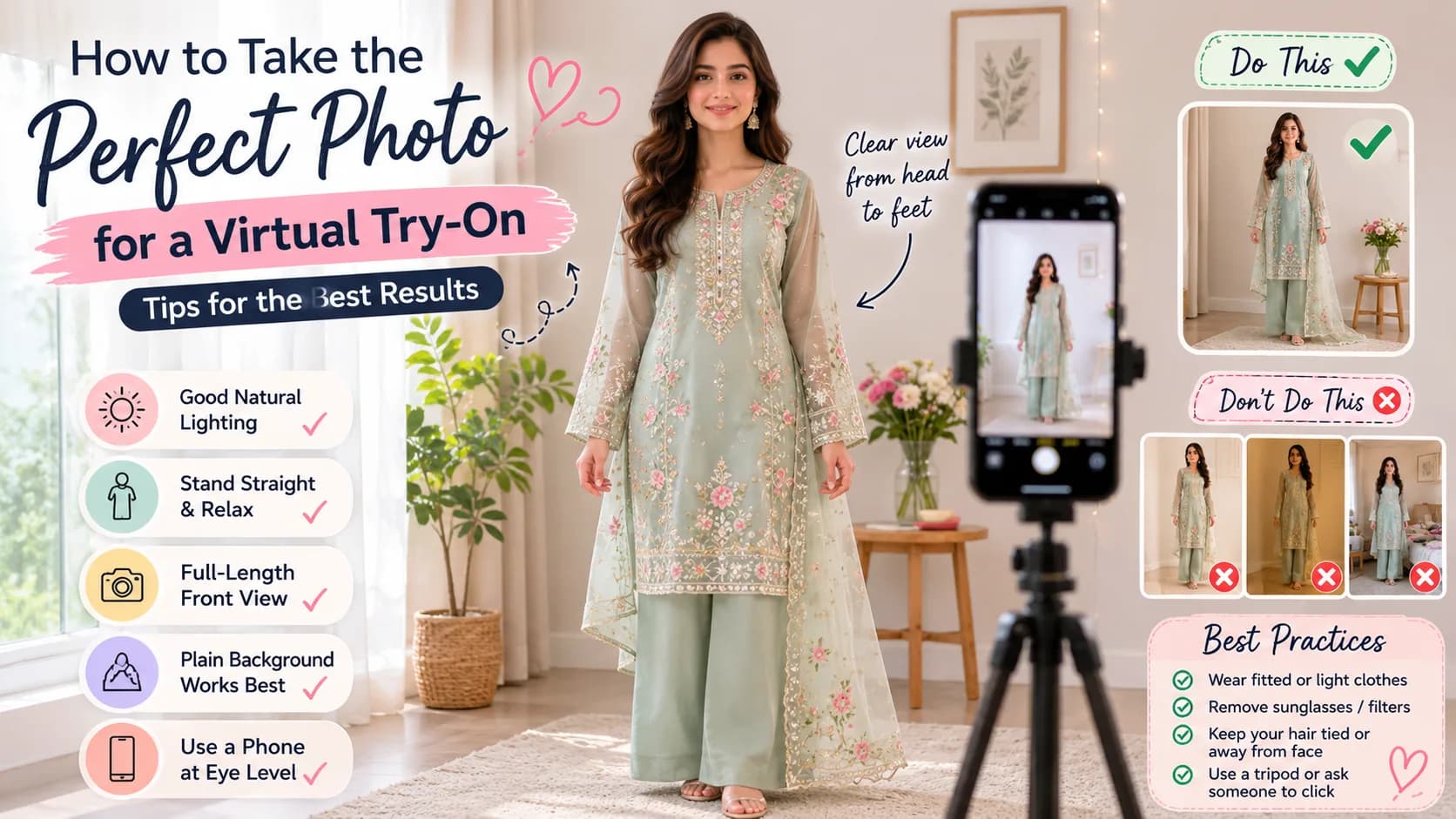
How to Take the Perfect Photo for a Virtual Try-On (Tips for the Best Results)
The secret to a realistic virtual try-on is the photo you upload. Here's how to take the perfect picture — lighting, pose, and the mistakes to avoid.
Virtual try-on technology is impressive, but like any tool, it works best when you give it the right input. The single biggest factor in how realistic your try-on looks is the photo you upload. A clear, well-lit, full-length picture can produce a beautifully accurate result, while a dark, cropped, or busy photo can leave you underwhelmed. The good news is that taking the perfect try-on photo takes less than a minute once you know the rules. Here's a simple guide to photographing yourself for the best possible virtual try-on results.
Why Your Photo Quality Matters
AI try-on maps an outfit onto your body using the photo you provide. If the AI can clearly see your full figure, pose, and proportions, it can place the outfit accurately. If your photo is dark, blurry, or cuts off part of your body, the AI has to guess, and the result suffers. A good photo isn't about looking perfect; it's about being clear and complete.
The Perfect Try-On Photo Checklist
✅ Do:
- Stand facing the camera straight on, with your full body in frame from head to feet.
- Use bright, even lighting — natural daylight near a window is ideal.
- Keep your arms slightly away from your body so your shape is visible.
- Wear fitted or simple clothing so the AI reads your figure clearly.
- Use a plain, uncluttered background.
❌ Don't:
- Don't use dim, backlit, or heavily shadowed photos.
- Don't crop out your legs or head.
- Don't pose at an angle or sideways.
- Don't wear bulky, layered clothing that hides your shape.
- Don't use filters that distort your body or face.
Lighting: The Most Important Factor
Lighting makes or breaks a try-on photo. Soft, even daylight is your best friend. Stand facing a window during the day so the light falls evenly on you, and avoid having a bright window or lamp behind you, which throws your face and body into shadow. If you're indoors at night, turn on multiple lights to reduce harsh shadows. Good light helps the AI see your true colours and shape.
Pose and Framing
Keep it simple and natural. Stand straight, face the camera directly, and let your arms rest slightly away from your sides so your silhouette is clear. Make sure the photo includes your whole body, from the top of your head to your feet, with a little space around you. A straight-on, full-length pose gives the AI the clearest map to work with.
Background and Clothing
A plain background — a clear wall, a door, a simple room — helps the AI focus on you rather than a busy scene. For clothing, wear something fitted or simple, since baggy or heavily patterned outfits make it harder for the AI to read your figure. You're not modelling these clothes in the photo; you're just giving the technology a clean starting point.
Try It Free and Experiment
The best way to learn what works is to try. On Habiba Minhas, every user gets three free virtual try-ons a day, so you can test different photos and see which gives the most realistic result. Open a select dress, tap Virtual Try Room, continue with Google, and upload your best photo. Once you see how a good picture transforms the result, you'll never shop the same way again.
Frequently Asked Questions
A clear, front-facing, full-length photo in bright, even lighting works best. Stand straight, include your whole body from head to feet, keep your arms slightly away from your sides, and use a plain background. Simple, fitted clothing also helps the AI read your figure accurately.
The most common reason is the photo. Dark lighting, blurry images, cropped bodies, angled poses, or busy backgrounds all make it harder for the AI to map the outfit accurately. Retake your photo facing the camera straight on, in good daylight, with your full body in frame, and the result usually improves dramatically.
Natural daylight is ideal. Stand facing a window during the day so the light falls evenly on you, and avoid having a bright light behind you. If you're indoors at night, turn on several lights to reduce harsh shadows. Even, soft lighting helps the AI capture your true shape and colours.
Wear something fitted or simple so the AI can clearly read your figure. Avoid bulky, layered, or heavily patterned clothing, which hides your shape and makes the try-on less accurate. Remember, you're not modelling the clothes in the photo — you're just giving the technology a clean starting point.
On Habiba Minhas, every user gets three free virtual try-ons every day. That's plenty to experiment with different photos and outfits. Just open a select dress, tap Virtual Try Room, continue with Google, and upload your photo to see yourself in the look.
About the Author
Habiba Minhas
Founder and creative director of Habiba Minhas, Pakistan's leading handcrafted fashion brand based in Karachi. With a passion for preserving traditional Pakistani craftsmanship while embracing modern design, she has built a brand serving over 5,000 customers nationwide.
Specializing in premium ladies suits, kids festive wear, and baby products, Habiba works directly with artisan embroiderers and skilled tailors to create pieces that honor Pakistani heritage.
Related Articles
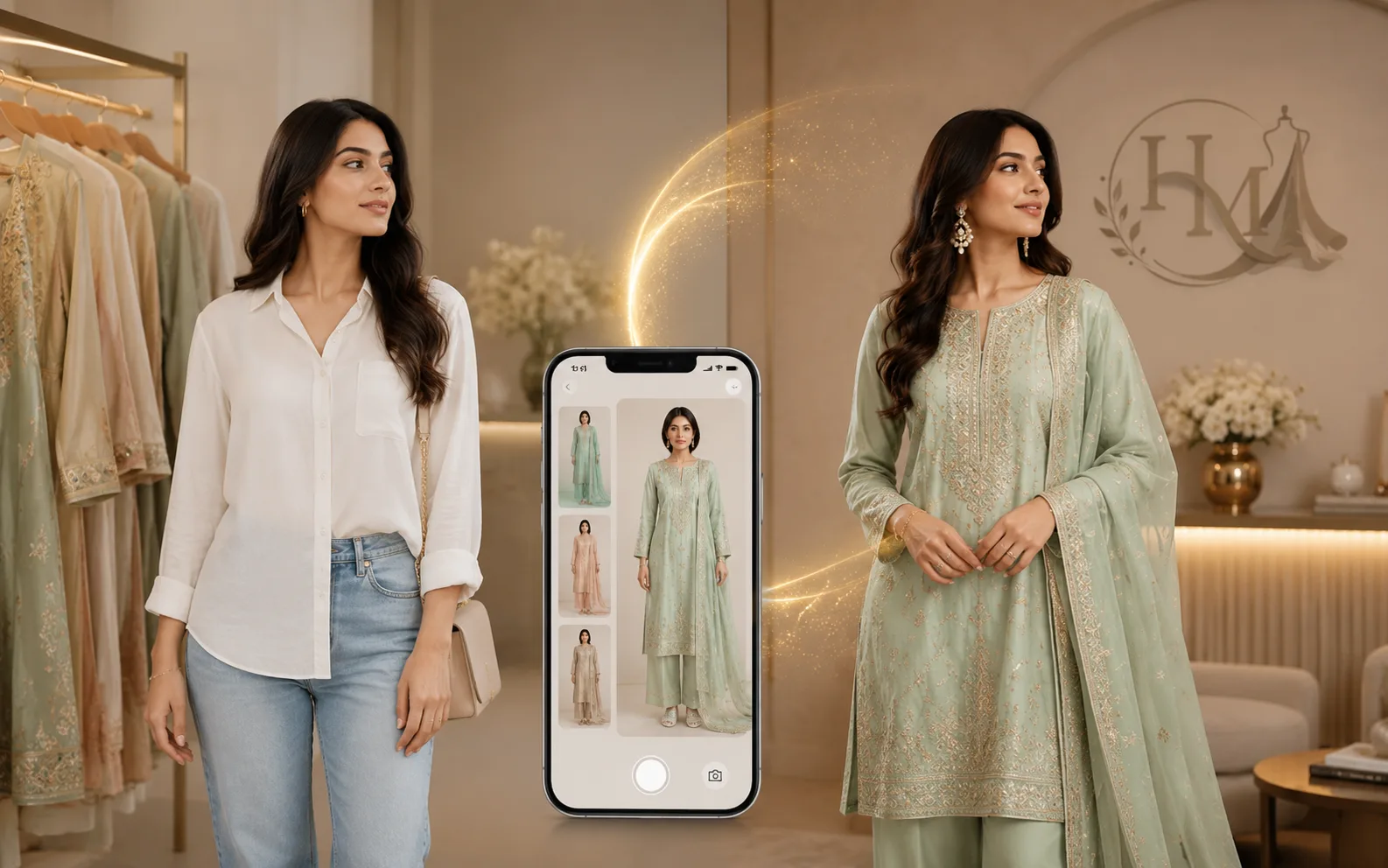
Pakistani Brands With Virtual Try-On (and What Makes Ours Different)
Searching for Pakistani brands with virtual try-on? Here's what the different kinds actually do — and how to see yourself in a real outfit, free, before you buy.
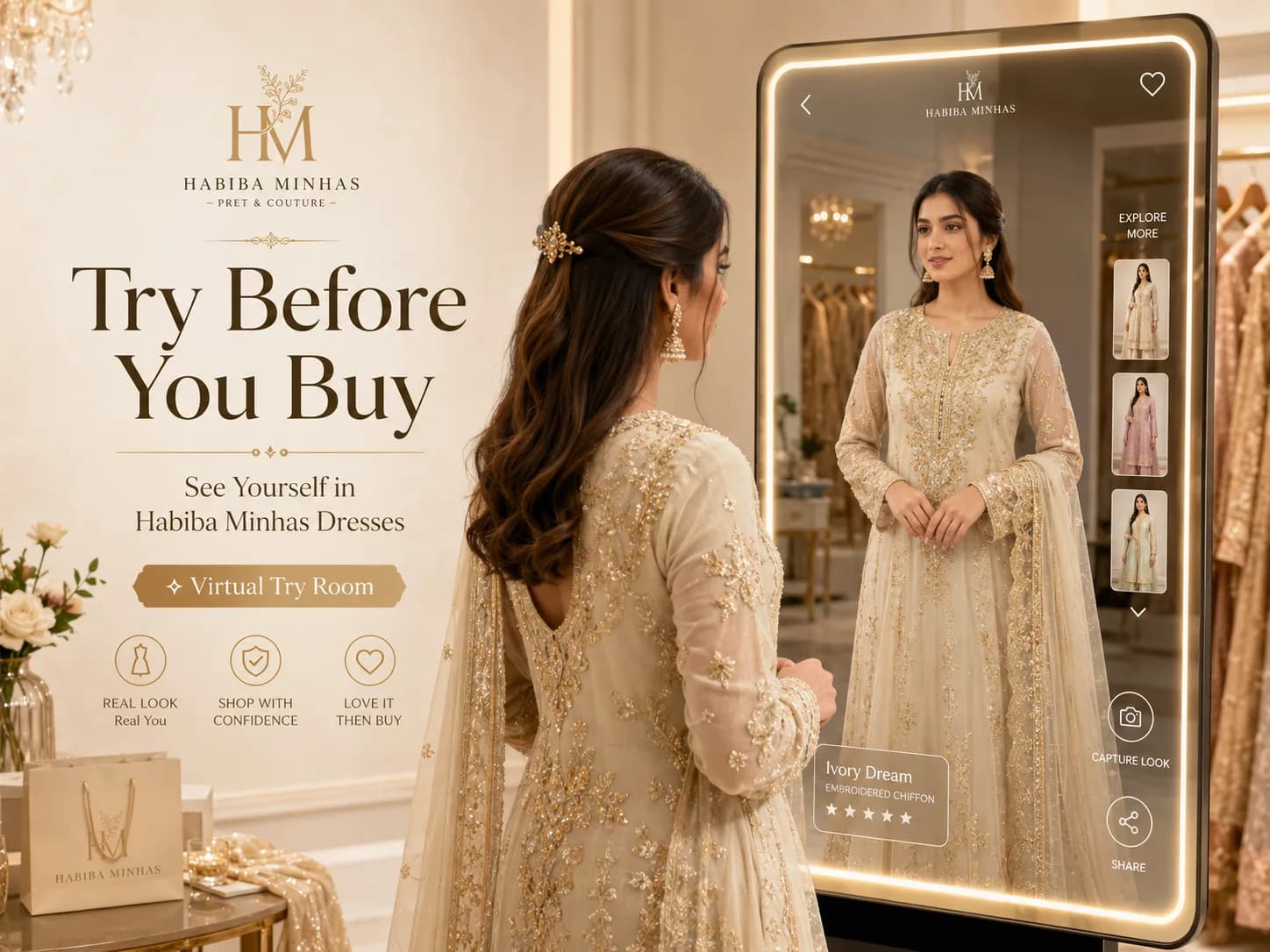
Try Before You Buy — See Yourself in Habiba Minhas Dresses with Virtual Try Room
Now you can see yourself in a Habiba Minhas dress before you buy — free, in seconds. Meet Virtual Try Room and learn how to use it step by step.
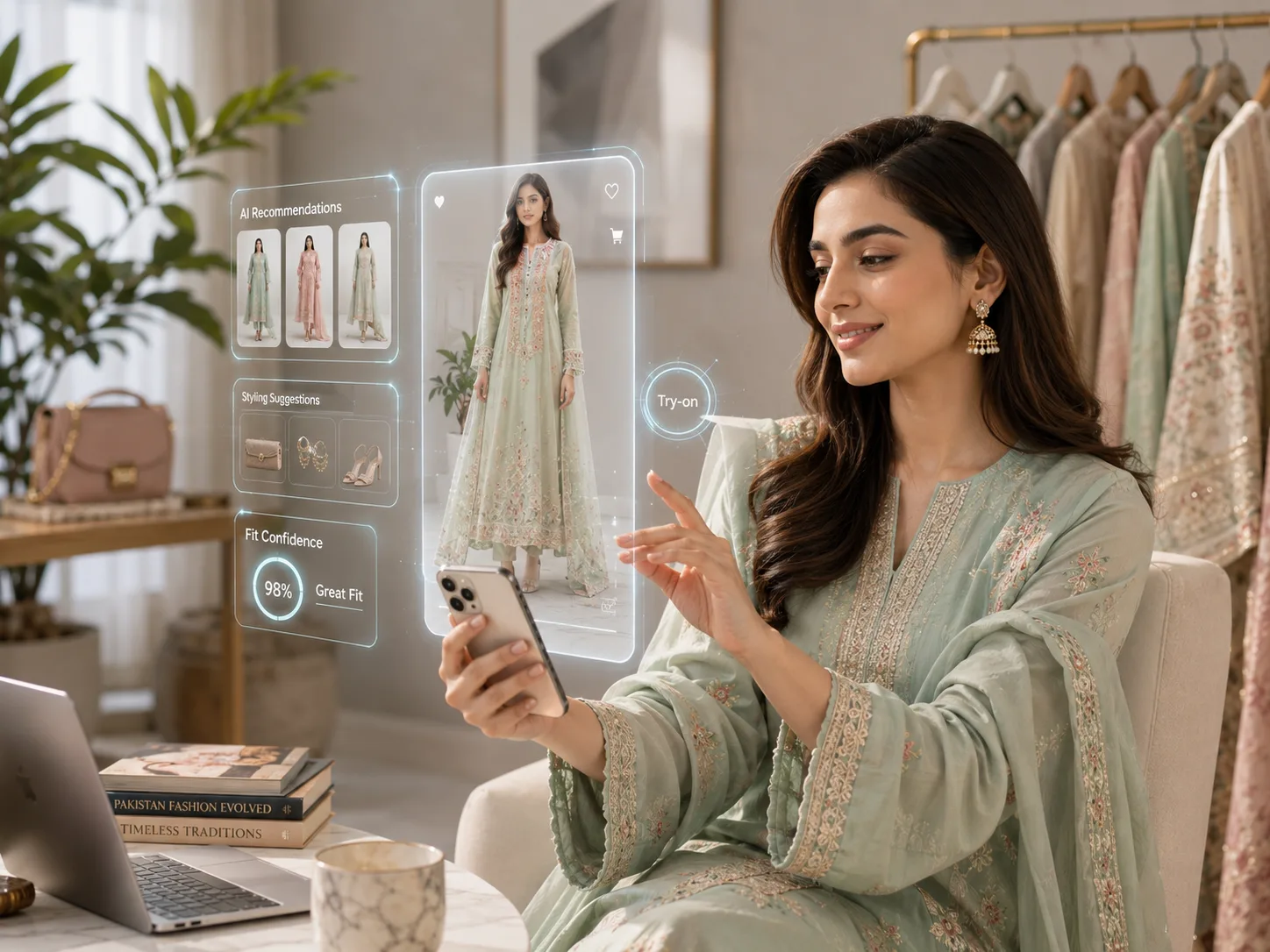
The Future of Online Fashion Shopping in Pakistan — AI, Try-On & What's Next
From AI try-on to personalised shopping, technology is transforming how Pakistan buys fashion. Here's where online shopping is heading — and what it means for you.